
Best Crypto Wallets For Mac Compared


Editorial Note: While we adhere to strict Editorial Integrity, this post may contain references to products from our partners. Here's an explanation for How We Make Money. None of the data and information on this webpage constitutes investment advice according to our Disclaimer.
Best crypto wallets for Mac in 2026:
Exodus – user-friendly, supports 300+ assets, staking tools.
Zengo – seedless recovery, ideal for beginners on macOS.
Sparrow – advanced Bitcoin features, PSBT, coin control.
MetaMask – leading Web3 access, DeFi and NFT support.
Ledger Nano X/Flex – hardware cold storage, 5,500+ tokens.
Trezor Safe 5 – open-source hardware with multisig.
Tangem – portable card-style cold wallet.
Electrum – lightweight Bitcoin wallet with low resource use.
Cryptocurrency storage on MacOS is now a key concern for traders who want simple tools that are also safe to use. Digital asset theft has grown in recent years, so the need for reliable wallets is stronger than ever. MacOS has built-in features that help protect users, but scams, fake apps, and phishing pages still create real risks.
For beginners, the main goal is an easy wallet with a clear recovery process. More advanced traders want tools that offer extra control, such as detailed fee settings and safe offline storage. This makes choosing the best crypto wallet for Mac less about what is popular and more about how well the wallet works with MacOS security, supports simple daily use, and helps protect larger balances.
This guide explains both desktop wallets and hardware options in a simple way. It also shows how each type performs on MacOS. Whether you are setting up your first Bitcoin wallet on Mac or improving a trading setup that already uses a MacOS Bitcoin wallet, the sections below will help you choose with confidence.
Risk warning: Cryptocurrency markets are highly volatile, with sharp price swings and regulatory uncertainties. Research indicates that 75-90% of traders face losses. Only invest discretionary funds and consult an experienced financial advisor.
Best crypto wallets for Mac in 2026: detailed comparison
When comparing the top crypto wallets for Mac, it helps to see how each option handles basic use, security, and MacOS performance. Every wallet works a little differently, so the best choice depends on what you need. Some focus on simple setup, some offer advanced Bitcoin tools, and others are designed for strong offline protection. The table below shows how these wallets differ in features, supported assets, and who they are best suited for.
| Wallet | Type | Supported assets | Key features | Ideal for |
|---|---|---|---|---|
| Exodus | Desktop | 300+ coins & tokens | User-friendly, staking, built-in swaps | Beginners and multi-asset traders |
| Zengo | Mobile + Mac | 120+ assets | Seedless recovery, MPC security | Entry-level users, iOS/Mac continuity |
| Sparrow | Desktop | Bitcoin only | PSBT, coin control, multisig, watch-only | Advanced Bitcoin traders |
| MetaMask | Extension | ETH + 5000+ ERC20 | Web3 gateway, NFT and DeFi support | DeFi and Web3 users |
| Ledger Nano X/Flex | Hardware | 5500+ assets | Cold storage, Ledger Live app, Bluetooth | Diversified long-term investors |
| Trezor Safe 5 | Hardware | 1200+ assets | Open-source firmware, multisig | Privacy-focused and Bitcoin veterans |
| Tangem | Hardware | 1000+ assets | Card-based, portable, PIN protection | Simple cold storage and travelers |
| Electrum | Desktop | Bitcoin only | Lightweight, PSBT, scripting | Experts who need efficiency |
Exodus
Exodus is a clean and easy desktop wallet for Mac. It supports more than 300 coins and tokens, and it works well for anyone who wants a smooth start. The interface is simple, swaps are built in, and staking is available for selected assets. It is a good choice for beginners and for traders who hold many coins.

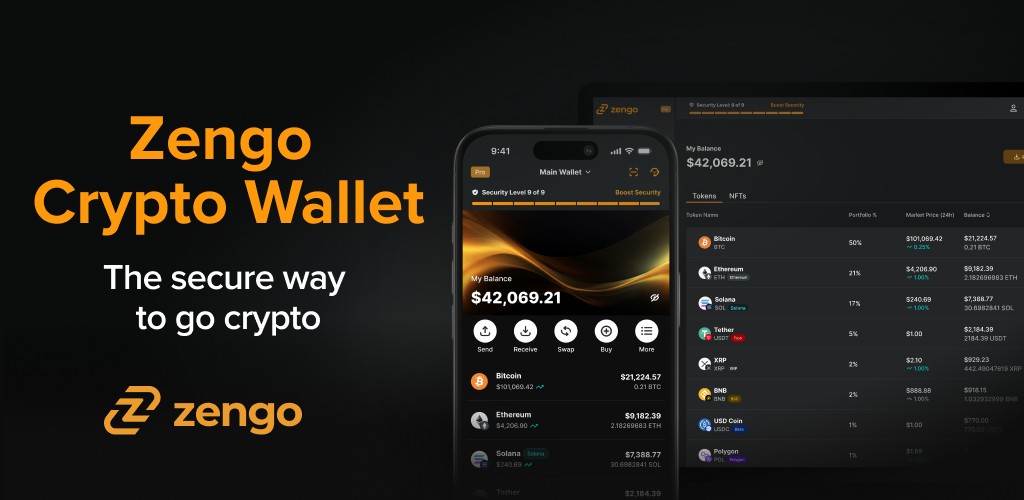
Zengo
Zengo is a mobile and Mac-friendly wallet known for seedless recovery. It uses MPC security, which removes the need for a traditional seed phrase. This makes setup and recovery simple for new users. It supports more than 120 assets and is ideal for people who want safe storage that works across iPhone and Mac.
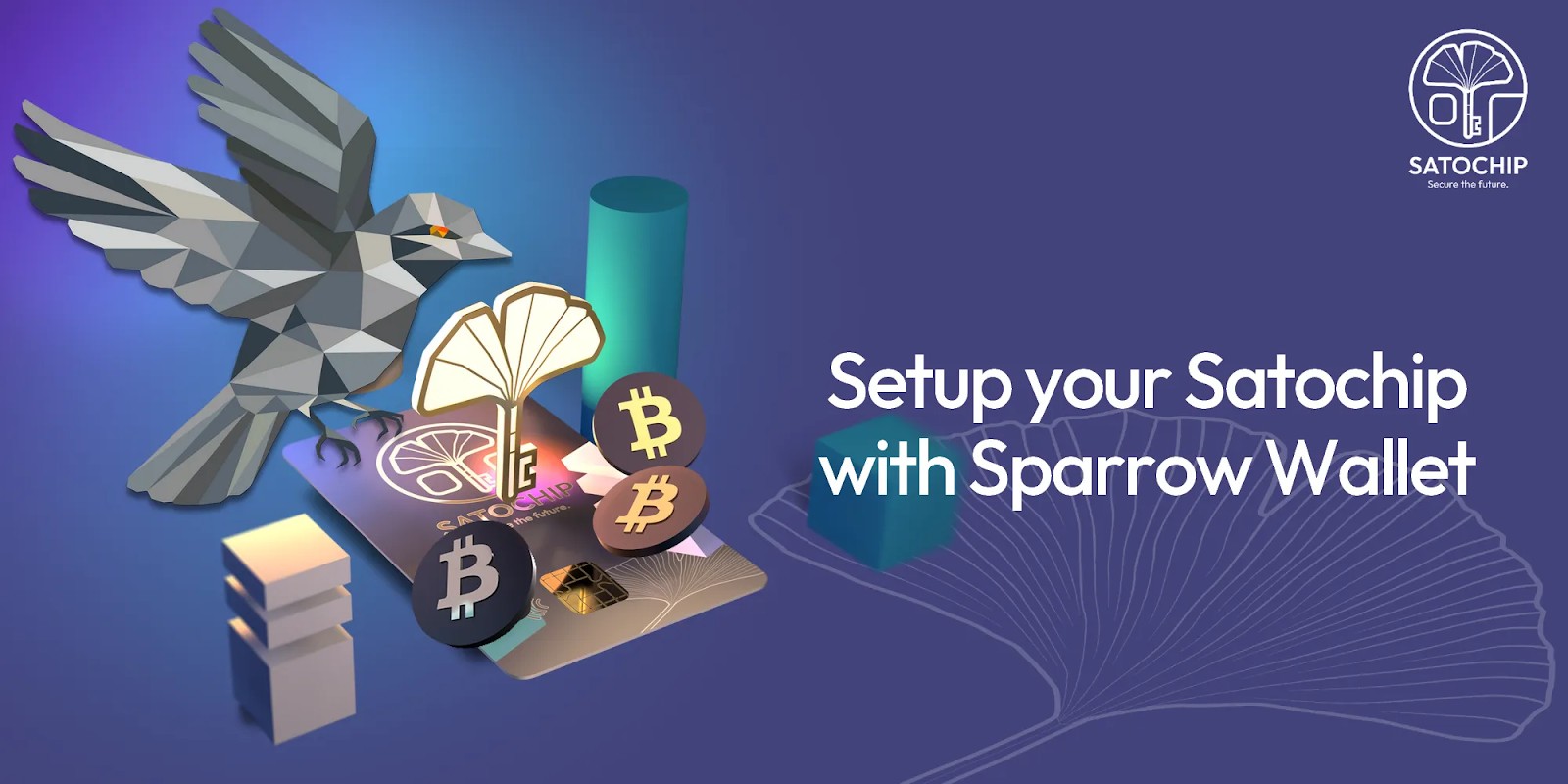
Sparrow
Sparrow is a desktop wallet built only for Bitcoin. It offers deep control features like PSBT workflows, coin control, multisig, and watch-only modes. It is made for advanced Bitcoin traders who want full insight into every transaction. Mac users who value precision and privacy often choose Sparrow.
MetaMask
MetaMask is the most widely used browser extension wallet for Ethereum and ERC20 tokens. It supports Web3 apps, NFTs, and DeFi platforms, making it a strong gateway for on-chain activity. Mac users who focus on DeFi or NFT trading will find MetaMask one of the easiest tools to use.

Ledger Nano X or Ledger Flex
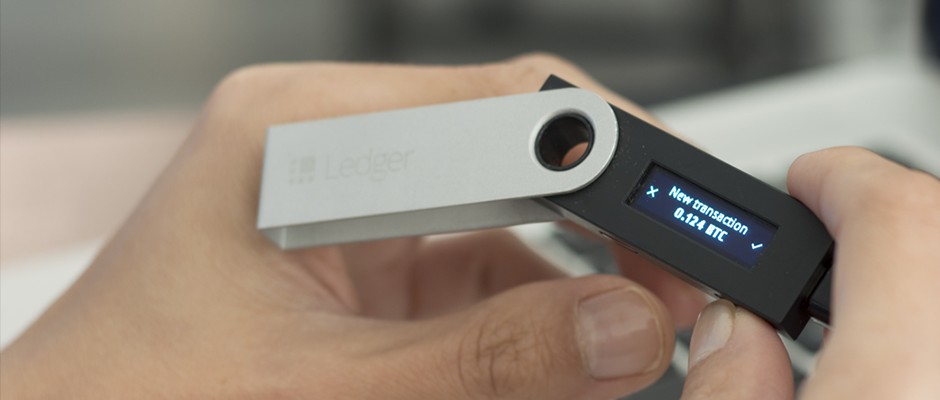
Ledger hardware wallets are known for strong cold storage. They support more than 5,500 assets and connect to the Ledger Live app on Mac. The Nano X includes Bluetooth for easier use, while the Flex is the newer portable version. Both are great for long-term holders who want strong offline security.

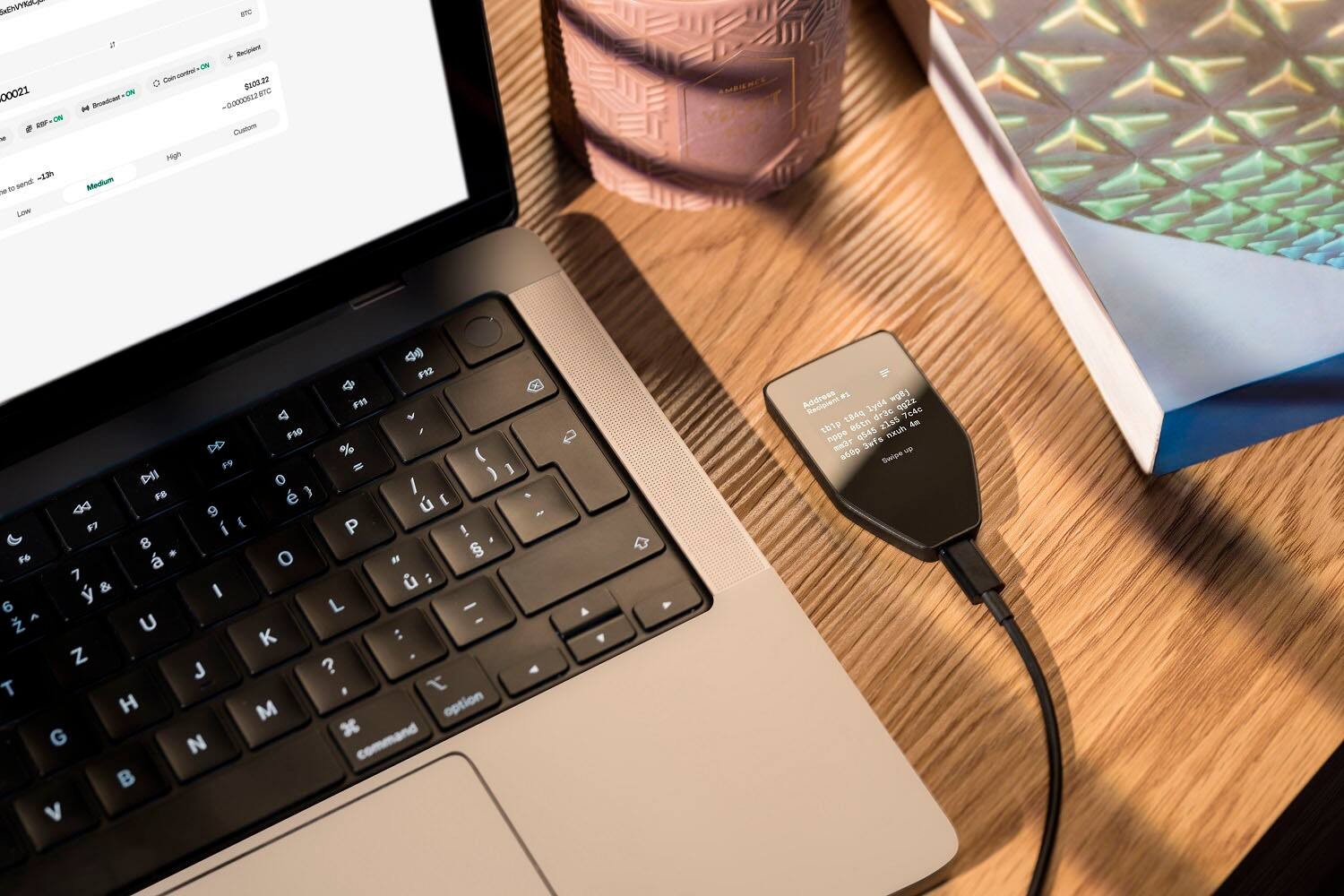
Trezor Safe 5
Trezor Safe 5 is an open-source hardware wallet with support for more than 1,200 assets. It offers clear security design, multisig support, and easy control over keys. It is ideal for privacy-focused users and Bitcoin veterans who want transparent, independent firmware on their Mac setup.
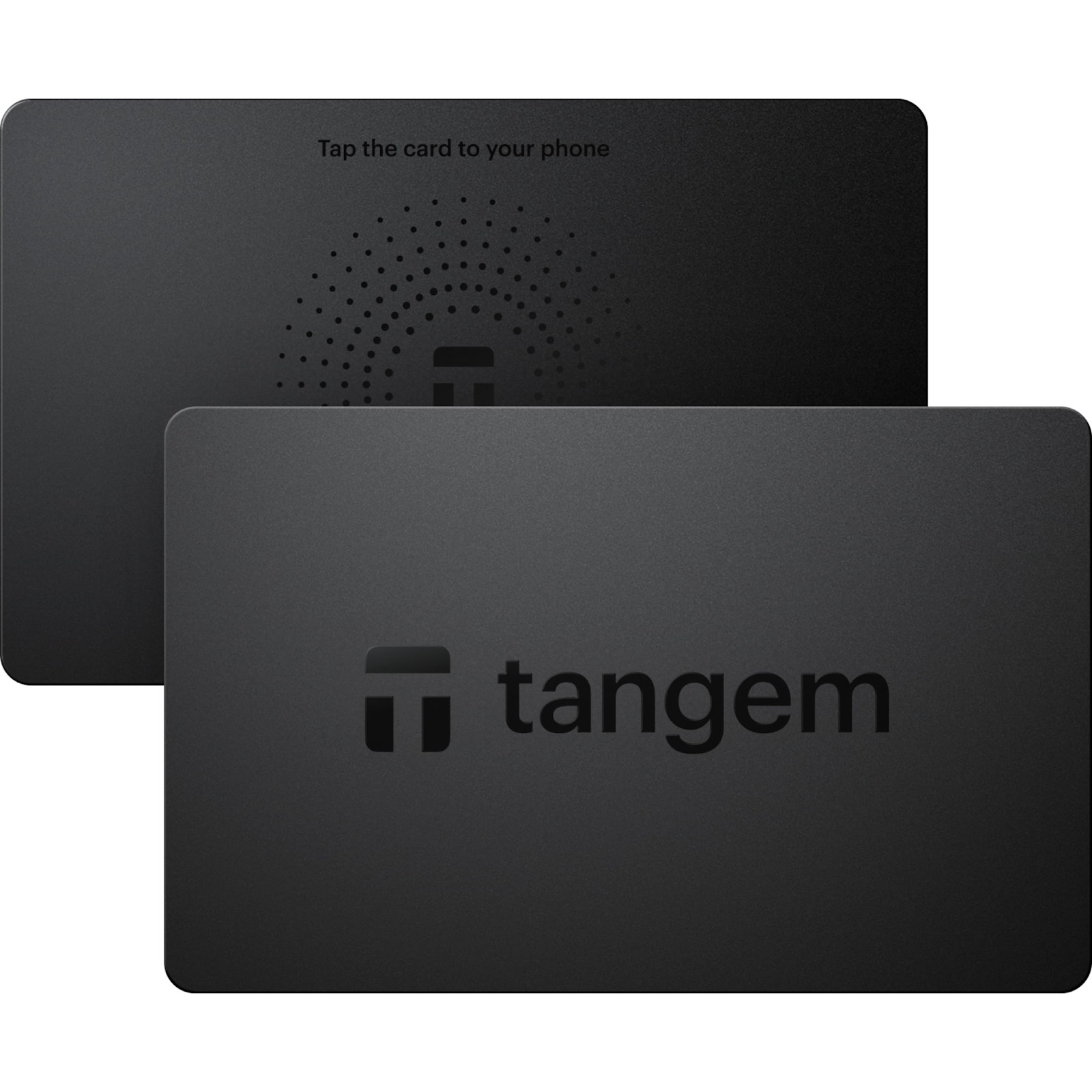
Tangem
Tangem is a card-based hardware wallet that is very simple to use. It supports more than 1,000 assets and works with a tap from your phone. It is portable, secure, and protected by a PIN. It is a good fit for travelers or anyone who wants cold storage without cables or complex steps.
Electrum
Electrum is a fast and lightweight Bitcoin wallet for Mac. It supports PSBT, multisig, and advanced scripting. It loads quickly, uses few resources, and focuses only on Bitcoin. It is best for expert users who want efficiency and full control without extra features.
Latency and sync performance
Traders who move coins often need wallets that load quickly and stay stable during use. Simple performance checks show how fast different wallets sync and how much memory they use on MacOS.
| Wallet | Initial sync time (with 50k UTXOs) | Memory usage (Idle) |
|---|---|---|
| Sparrow | 11s | 48 MB |
| Electrum | 9s | 45 MB |
| Exodus | 22s | 120 MB |
| MetaMask (desktop) | 35s | 200 MB |
These results show that a lightweight Bitcoin wallet on Mac can give faster sync times and use less memory. This is helpful for anyone who trades often or uses a Mac with limited hardware power.
Where to buy crypto for your MacOS wallet?
When setting up a crypto wallet on MacOS, the easiest way to buy coins is through a trusted exchange that supports bank transfers or card payments. These platforms offer simple steps for beginners and give higher limits for users who need larger trades. Peer to peer markets are also an option, but they can have lower liquidity and wider price gaps. No matter where you buy, it is safer to move your coins into your Bitcoin wallet on Mac soon after the purchase so you keep full control of your funds.
If you also need a place to buy the coins you plan to store on your Mac, the table of the best crypto exchanges in your region can help. It gives a few trusted options you can start with, so you can purchase crypto safely and move it into your wallet without any extra steps. This keeps the whole setup simple whether you are just beginning or upgrading your MacOS storage.
| OKX | Coinbase | Crypto.com | Cryptohopper | BTCC | |
|---|---|---|---|---|---|
|
Min. Deposit, $ |
10 | 10 | 1 | No | 10 |
|
Coins Supported |
600+ | 400+ | 400+ | 1000 | 399 |
|
Spot Taker fee, % |
0.1 | 0.5 | 0.5 | 0 | 0.3 |
|
Spot Maker Fee, % |
0.08 | 0.5 | 0.25 | 0 | 0.2 |
|
Alerts |
Yes | Yes | Yes | Yes | No |
|
Copy trading |
Yes | No | No | Yes | Yes |
|
TU overall score |
8.48 | 7.84 | 7.8 | 7.76 | 7.6 |
|
Open an account |
Go to broker Your capital is at risk. |
Go to broker Your capital is at risk. |
Go to broker Your capital is at risk. |
Go to broker Your capital is at risk. |
Go to broker Your capital is at risk.
|
Why Mac-focused wallets matter
Choosing the best Bitcoin wallet for Mac requires close attention to MacOS-specific security features such as Gatekeeper, notarization, and runtime protections. These built-in protections help, but they only work if the wallet software uses them properly.
Because malware for Macs has gone up, it is more important than ever to pick a wallet you can trust, confirm it is the correct version, and avoid fake installers.
As wallets evolve, users expect more than basic sending and receiving. They look for staking options, easy hardware device support, and multi-network features in a crypto wallet for MacOS.
Desktop and hardware combinations
Many crypto users today use a mix of desktop software and hardware devices. The software wallet makes daily transfers easy, while the hardware device adds safer offline storage for long term savings.
A setup like this lets you keep most of your coins offline while still having quick access to small amounts on your desktop. Some wallets also offer extra tools or swap features that improve how users move coins between different networks.
Advanced users often choose wallets that support extra controls like secure signing, fee settings, and multisignature options. These tools help them manage large balances more safely. Performance can also depend on the computer. Using faster storage, for example, may help the wallet respond more quickly.
With this type of mixed setup, a Bitcoin wallet on Mac becomes easier to manage while still giving strong protection for long term holdings.
Security basics for Mac crypto users
Crime trend. Crypto scams and fake apps have increased in recent years, which makes safe storage more important for all Mac users. Keeping most funds in offline storage and only a small amount in a hot wallet helps reduce risk.
MacOS malware in 2026. Mac malware has also grown, and some fake apps try to steal wallet passwords. Even with MacOS security features, users should still check downloads carefully and avoid unknown installers.
Apple platform protections. Gatekeeper, Secure Enclave, and other MacOS protections add helpful layers of safety, but they cannot block every threat. Safe habits such as checking the developer, confirming the download page, and avoiding random links are still necessary.
Mac-centric setup checklist
Download Bitcoin wallet on Mac from the official source. Avoid downloads from ads, random links, or social posts and only use the wallet’s real website.
Check developer and notarization. Confirm the developer name, make sure the wallet on MacOS is notarized, and verify the file hash if provided.
Use hardware for big transfers. Confirm large transfers with a hardware device to add an extra layer of safety.
Keep most funds offline. Store only a small amount in a hot wallet and keep larger balances in offline storage.
Test your recovery steps. Make sure your recovery phrase or hardware backup works before you need it.
Watch for phishing. Double-check wallet addresses, avoid unknown links, and never enter your seed phrase online.

Start simple, add hardware, build comfort and control gradually

From what I have seen while helping Mac users set up their wallets, things go smoother when the process starts simple. I usually ask people to begin with a basic desktop wallet so they can learn how to move small amounts and keep their backup details safe.
After they get used to that, adding a hardware device gives extra safety for larger balances without making daily use harder. This setup cuts down on mistakes, helps avoid bad downloads, and makes the whole routine feel easier to manage. Over time, users tell me they feel more confident because everything is clear, tidy, and built in a way that fits naturally with how they already use their Mac.
Conclusion
Choosing the right crypto wallet for your Mac comes down to balancing user-friendliness with strong security tailored to macOS's unique features. Tools like Exodus for beginners or Ledger Nano X for hardware backup let you start simple and then build extra layers of protection as you grow more comfortable. With rising risks from scams and fake apps, using trusted, officially sourced wallets and keeping large assets offline is more important than ever. Ultimately, a well-chosen combination of desktop and hardware wallets gives Mac users both the confidence and control to secure their crypto assets for the long term.
FAQs
How do desktop and hardware crypto wallets for Mac differ in terms of daily usability and security?
What MacOS-specific security features should users verify when selecting a crypto wallet?
Why is it important to avoid unofficial download sources when installing a Mac crypto wallet?
What habits can help Mac users protect their crypto assets from phishing and scams?
Editors' Top Picks and Insights





Related Articles
Team that worked on the article
Aleksandra Chaikina has been a contributor to Traders Union since 2021. With over 15 years of experience in copywriting and more than 5 years focused on financial content, she specializes in producing detailed guides, analytics, and comparative reviews across various sectors, including cryptocurrencies, Forex, investment strategies, and financial technologies.
Dan Blystone began his trading career in 1998 as an arbitrage clerk on the floor of the Chicago Mercantile Exchange (CME). He later traded bond and Eurex futures at proprietary firms such as Altea Trading, gaining valuable experience in high-frequency trading and risk management.
Chinmay Soni is a financial analyst with more than 5 years of experience in working with stocks, Forex, derivatives, and other assets. As a founder of a boutique research firm and an active researcher, he covers various industries and fields, providing insights backed by statistical data.
Index in trading is the measure of the performance of a group of stocks, which can include the assets and securities in it.
An investor is an individual, who invests money in an asset with the expectation that its value would appreciate in the future. The asset can be anything, including a bond, debenture, mutual fund, equity, gold, silver, exchange-traded funds (ETFs), and real-estate property.
Ethereum is a decentralized blockchain platform and cryptocurrency that was proposed by Vitalik Buterin in late 2013 and development began in early 2014. It was designed as a versatile platform for creating decentralized applications (DApps) and smart contracts.
Cryptocurrency is a type of digital or virtual currency that relies on cryptography for security. Unlike traditional currencies issued by governments (fiat currencies), cryptocurrencies operate on decentralized networks, typically based on blockchain technology.
Risk management is a risk management model that involves controlling potential losses while maximizing profits. The main risk management tools are stop loss, take profit, calculation of position volume taking into account leverage and pip value.

-
 Afghanistan
-
 Albania
-
 Algeria
-
 Angola
-
 Argentina
-
 Armenia
-
 Australia
-
 Austria
-
 Azerbaijan
-
 Bahamas
-
 Bahrain
-
 Bangladesh
-
 Belarus
-
 Belgium
-
 Bolivia
-
 Botswana
-
 Brazil
-
 Brunei
-
 Bulgaria
-
 Cambodia
-
 Cameroon
-
 Canada
-
 Chile
Chile
-
 China
China
-
 Colombia
-
 Congo
Congo
-
 Costa Rica
-
 Cote d'Ivoire
-
 Croatia
-
 Cuba
Cuba
-
 Cyprus
-
 Czechia
-
 DR Congo
-
 Denmark
-
 Dominican Republic
-
 Ecuador
-
 Egypt
Egypt
-
 El Salvador
-
 Estonia
-
 Eswatini
-
 Ethiopia
-
 Finland
-
 France
-
 Georgia
-
 Germany
-
 Ghana
Ghana
-
 Greece
-
 Haiti
Haiti
-
 Hong Kong
-
 Hungary
-
 India
India
-
 Indonesia
-
 Iran, Islamic republic
-
 Iraq
Iraq
-
 Ireland
-
 Israel
-
 Italy
Italy
-
 Jamaica
-
 Japan
Japan
-
 Jordan
-
 Kazakhstan
-
 Kenya
Kenya
-
 Korea
Korea
-
 Kuwait
-
 Kyrgyzstan
-
 Laos
Laos
-
 Latvia
-
 Lebanon
-
 Lesotho
-
 Libya
Libya
-
 Lithuania
-
 Luxembourg
-
 Madagascar
-
 Malaysia
-
 Malta
Malta
-
 Mauritius
-
 Mexico
-
 Moldova
-
 Mongolia
-
 Montenegro
-
 Morocco
-
 Mozambique
-
 Myanmar
-
 Namibia
-
 Nepal
Nepal
-
 Netherlands
-
 New Zealand
-
 Nigeria
-
 North Macedonia
-
 Norway
-
 Oman
Oman
-
 Pakistan
-
 Palestine
-
 Panama
-
 Papua New Guinea
-
 Paraguay
-
 Peru
Peru
-
 Philippines
-
 Poland
-
 Portugal
-
 Puerto Rico
-
 Qatar
Qatar
-
 Reunion
-
 Romania
-
 Rwanda
-
 Saudi Arabia
-
 Serbia
-
 Singapore
-
 Slovakia
-
 Slovenia
-
 Somalia
-
 South Africa
-
 Spain
Spain
-
 Sri Lanka
-
 Sweden
-
 Switzerland
-
 Syria
Syria
-
 Taiwan
-
 Tajikistan
-
 Tanzania
-
 Thailand
-
 Trinidad and Tobago
-
 Tunisia
-
 Turkey
-
 UAE
UAE
-
 Uganda
-
 Ukraine
-
 United Kingdom
-
United States
-
 Uruguay
-
 Uzbekistan
-
 Venezuela
-
 Vietnam
-
 Yemen
Yemen
-
 Zambia
-
 Zimbabwe
- Forex
- Crypto












