
Best Crypto Wallets for iOS and iPhone in 2026


Editorial Note: While we adhere to strict Editorial Integrity, this post may contain references to products from our partners. Here's an explanation for How We Make Money. None of the data and information on this webpage constitutes investment advice according to our Disclaimer.
The best crypto wallets for iPhone and iOS in 2026 are:
Trust Wallet — multi-chain wallet with staking, NFTs, and dApp access.
Coinbase Wallet — beginner-friendly self-custody wallet for DeFi and NFTs.
MetaMask — leading wallet for Ethereum, DeFi, and dApp interaction.
Exodus — user-friendly wallet with portfolio tracking and cross-platform support.
BlueWallet — Bitcoin-focused wallet with Lightning Network support.
In 2026, choosing the right crypto wallet for an iPhone is no longer a minor technical preference. It is a decision that shapes how investors and everyday users interact with the entire digital asset economy. Today’s wallets are far more than storage apps. They serve as entry points to decentralized finance platforms, tokenized investments, and rapidly growing NFT markets. Global adoption figures highlight this change. Chainalysis reports that more than 400 million wallets worldwide now hold a positive balance, a sign that crypto ownership is spreading beyond short-term speculation. Sub-Saharan Africa alone has seen transaction volumes surge by more than 50% in the past year, driven largely by smaller, everyday payments under $10,000. These trends show that crypto wallets, especially on mobile platforms like iOS, have become central to how people hold, trade, and use digital assets in everyday life.
Risk warning: Cryptocurrency markets are highly volatile, with sharp price swings and regulatory uncertainties. Research indicates that 75-90% of traders face losses. Only invest discretionary funds and consult an experienced financial advisor.
What is an iOS crypto wallet?
An iOS crypto wallet, also known as a Bitcoin wallet for iPhone, is an application that lets users store, send, and receive cryptocurrencies directly from their Apple devices.
There are two main types:
Custodial wallets. The provider manages your keys. Convenient, but less control.
Non-custodial wallets. You control your keys and recovery phrases. These are considered the safest iOS crypto wallets for long-term investors.
Choosing between these two determines whether you prioritize control or convenience. For advanced traders, holding private keys is essential; for beginners, a custodial option can reduce complexity.
Key features of the best Bitcoin wallets for iPhone
When evaluating the best crypto wallet apps for iOS, several aspects stand out:
Security protocols. Biometric logins, two-factor authentication, hardware wallet integration.
Supported assets. The strongest wallets go beyond Bitcoin and Ethereum, adding stablecoins and multi-chain support.
Lightning Network. Some wallets, like BlueWallet, provide functionality for fast and cheap BTC payments.
DeFi access. Modern iOS wallets integrate with Web3 dApps, staking, and NFTs.
Best crypto wallets for iPhone in 2026
We reviewed leading wallets based on security, usability, and asset coverage. Instead of claiming one is the best, here is how each fits different user needs.
| Wallet | Best for | Key features | Security level |
|---|---|---|---|
| Trust Wallet | Multi-chain users and NFT collectors | 100+ blockchains, 10M+ assets, staking, NFT storage, dApp browser, security scanner, biometric login | High (non-custodial, biometric, scanner) |
| Coinbase Wallet | Beginners exploring crypto and DeFi | Self-custody, dApp browser, NFT support, multi-address management, cross-chain UI | Medium (self-custody but simpler security tools) |
| MetaMask | DeFi traders and NFT users | Ethereum & EVM chains, dApp integration, token swaps, cross-chain bridges, monthly security reports | High (self-custody, reports, phishing alerts) |
| Exodus | Portfolio managers and desktop users | Desktop + mobile sync, portfolio tracking, in-app swaps, Trezor integration, bug bounty program | Medium (non-custodial, bug bounty, but fewer advanced controls) |
| BlueWallet | Bitcoin-only users with Lightning focus | Bitcoin + Lightning, multisig vaults, UTXO control, watch-only mode, Tor/decoy wallets | High (non-custodial, multisig, advanced privacy features) |
Trust Wallet
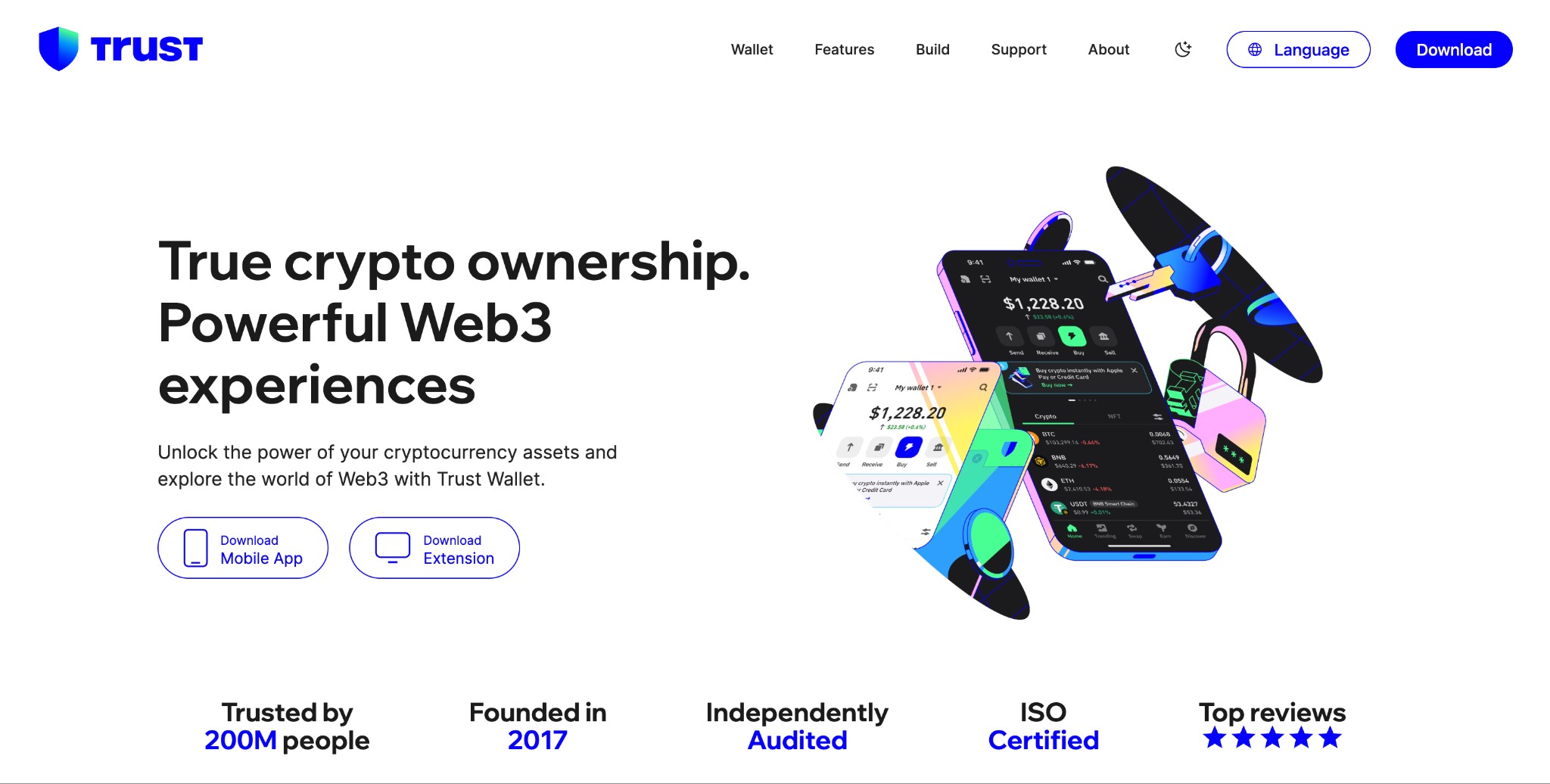
Trust Wallet is a non-custodial, multi-chain crypto wallet that supports over 100 blockchains, and more than 10 million crypto assets and tokens. As of early 2026 it had over 200 million downloads worldwide, with about 17 million monthly active users. It offers staking, NFT storage/viewing, and built-in support for decentralized apps (dApps). Security is a major focus: Trust Wallet provides strong encryption of private keys stored on the device, biometric authentication, recovery via seed phrase, and tools such as a built-in Security Scanner to flag malicious transactions or NFTs.
Key features
Supports 100+ blockchains and 10M+ crypto assets/tokens.
Built-in Security Scanner to detect/deter scams or malicious activity.
Private keys are non-custodial and stored only on the user’s device.
Biometric authentication (face or fingerprint) and encrypted cloud backups.
NFT storage/viewing and dApp browser integration.
Coinbase Wallet
Coinbase Wallet is a self-custody wallet (you hold your private keys) that works on mobile (iOS & Android) and also as a browser extension. It lets users store, send, receive many cryptocurrencies, interact with decentralized applications via its dApp browser, and manage NFTs. It also includes features to improve safety such as hiding known malicious tokens, showing transaction previews, and enabling multiple wallet addresses.
Key features
dApp browser for discovering and interacting with DeFi, NFT, and Web3 apps.
Support for multiple addresses so you can separate identities or uses.
Token/tokens visibility and permissions: transaction preview and ability to revoke existing dApp permissions.
Curated UI for cross-chain assets: supports many networks (Ethereum, Solana, etc.), allows easy switching & viewing.
MetaMask
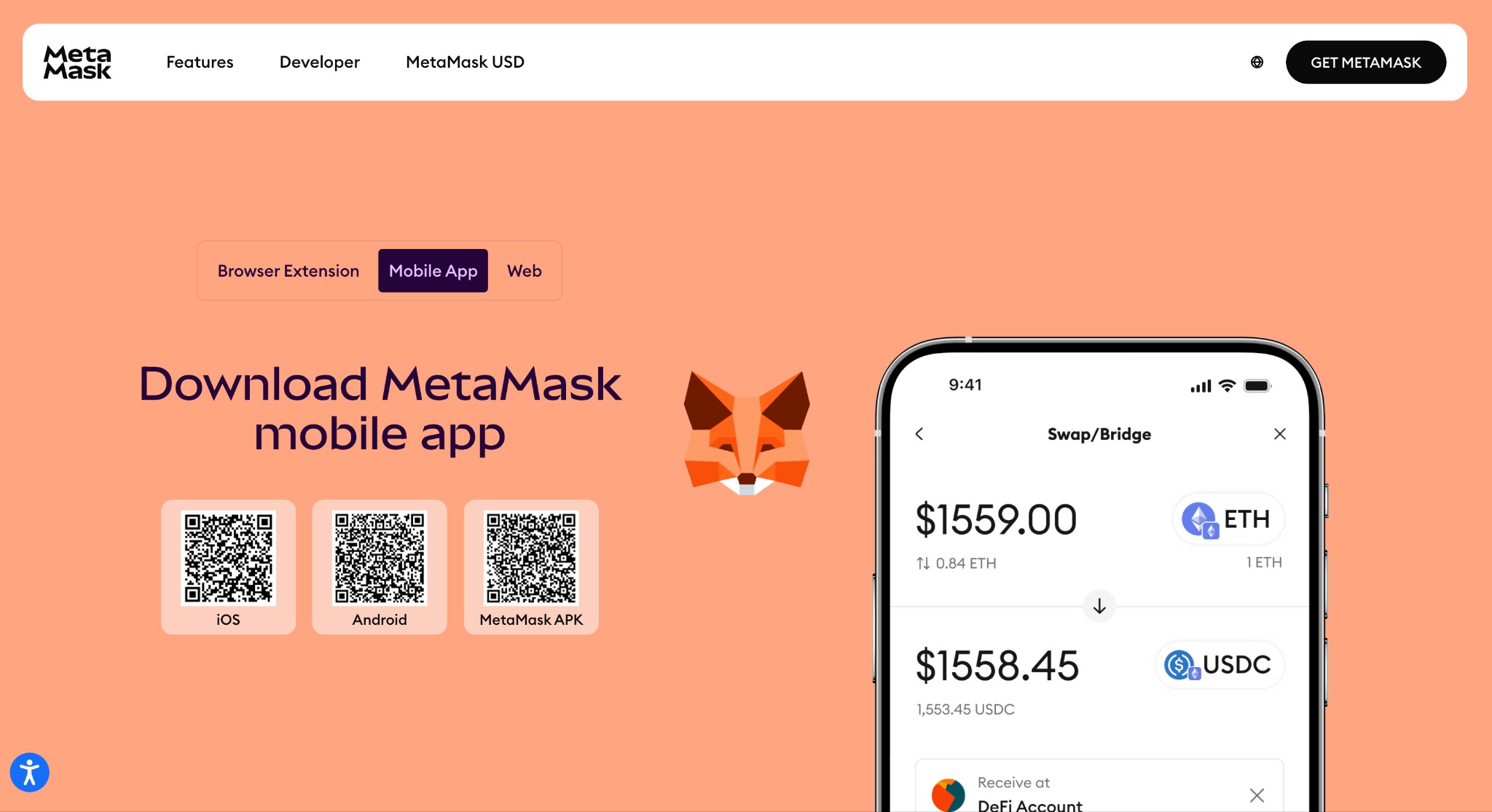
MetaMask is one of the most widely used wallets for Ethereum and Ethereum-compatible blockchains. It works both as a browser extension and mobile app. It provides strong integration with dApps, making it a go-to for DeFi usage and interacting with NFTs, smart contracts, and bridges. MetaMask publishes monthly security reports, tracks security incidents (fake browser extensions, phishing domains, etc.), and has in its recent reports noted that about 35% of users do not properly back up their secret recovery phrase, which raises risk of loss. It has over 30 million active users.
Key features
Deep dApp integration especially within Ethereum / EVM chains.
Smart contract / token swap support, often via aggregated DEXs to find better rates.
Monthly security reports and monitoring of threats (phishing, malicious extensions, etc.).
Self-custody with seed phrase / private key control. (User responsibility emphasized.)
Cross-chain capability via bridges / integrations (some newer with Solana etc.).
Exodus
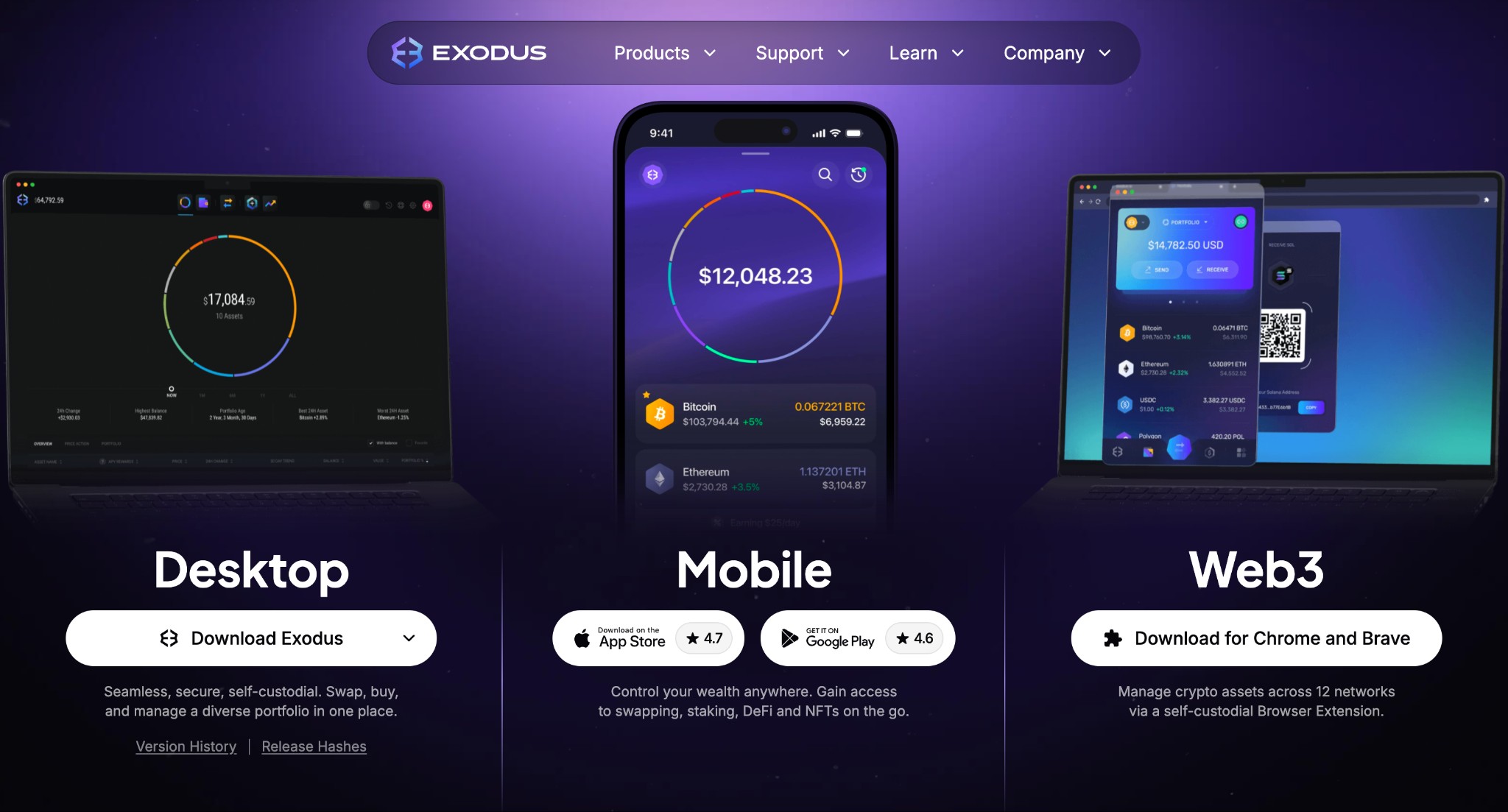
Exodus is a crypto wallet available on both desktop and mobile, and also supports hardware wallet integration (e.g. Trezor). It is non-custodial: users’ private keys are stored locally on their device. Exodus supports many cryptocurrencies, staking for some assets, NFT management, and in-app exchange/swapping between tokens. Its design is oriented towards ease of use & portfolio visibility. On security, Exodus conducts secure development practices including manual audits, use of open-source dependencies for key parts, and a vulnerability disclosure / bug bounty program.
Key features
Supports many cryptocurrencies (major coins + altcoins + NFTs) across mobile, desktop, and browser extension.
Built-in portfolio tracking: you can view balances, chart changes, and staking rewards from within the app.
In-app swap / exchange between assets.
Hardware wallet integration (e.g. Trezor) for enhanced security.
Security best practices: local encryption, private key retention by user, bug bounty program.
BlueWallet
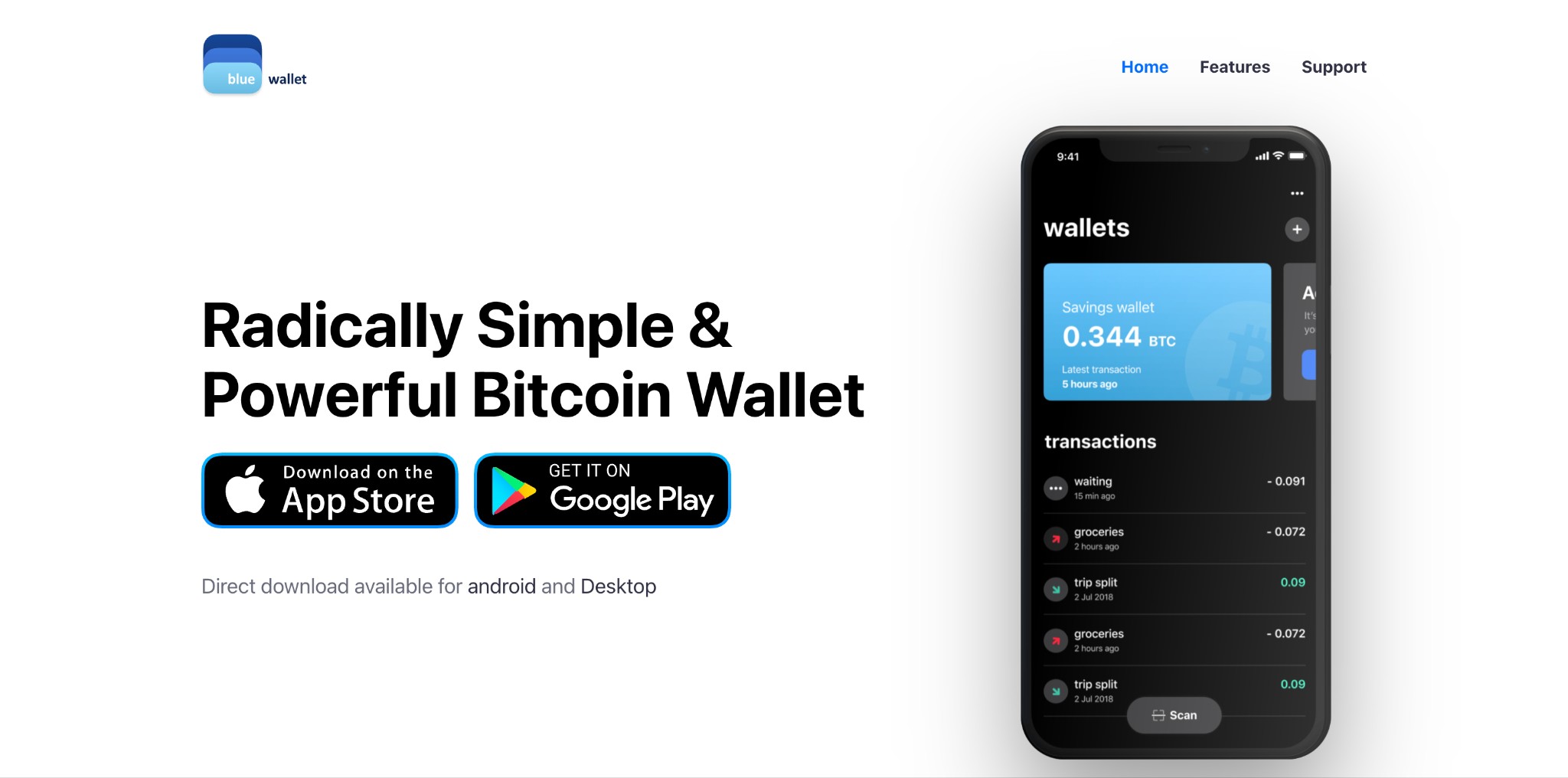
BlueWallet is designed specifically for Bitcoin users, with strong support for both on-chain and Lightning Network transactions. It is a non-custodial wallet, giving users full control over their private keys and recovery phrase. Advanced options such as multisignature vaults, UTXO management, and watch-only mode make it appealing for users who want greater control and privacy. BlueWallet also offers fee customization and integration with hardware wallets.
Key features
Supports Bitcoin on-chain and Lightning Network
Non-custodial with private keys stored locally
Multisignature vaults for added protection
Watch-only mode and hardware wallet support
Manual fee settings, UTXO control, and custom servers
Privacy features like decoy wallets and Tor compatibility
If a wallet is where digital assets are stored, an exchange is the platform that lets you buy, sell, and transfer them. Once you have chosen a reliable crypto wallet for your iPhone, the next step is selecting an exchange in your region that offers secure transactions, competitive fees, and dependable regulatory standards. The best exchanges work smoothly with iOS wallets, making everyday crypto management more efficient. Below are some of the top crypto exchanges in your area that pair well with iPhone wallets for regular use.
| OKX | Coinbase | Crypto.com | Cryptohopper | BTCC | |
|---|---|---|---|---|---|
|
Crypto |
Yes | Yes | Yes | Yes | Yes |
|
Foundation year |
2017 | 2012 | 2016 | 2018 | 2011 |
|
Min. Deposit, $ |
10 | 10 | 1 | No | 10 |
|
Coins Supported |
600+ | 400+ | 400+ | 1000 | 399 |
|
Spot Taker fee, % |
0.1 | 0.5 | 0.5 | 0 | 0.3 |
|
Spot Maker Fee, % |
0.08 | 0.5 | 0.25 | 0 | 0.2 |
|
Alerts |
Yes | Yes | Yes | Yes | No |
|
Copy trading |
Yes | No | No | Yes | Yes |
|
Tier-1 regulation |
No | Yes | Yes | No | Yes |
|
TU overall score |
8.48 | 7.84 | 7.8 | 7.76 | 7.6 |
|
Open an account |
Go to broker Your capital is at risk. |
Go to broker Your capital is at risk. |
Go to broker Your capital is at risk. |
Go to broker Your capital is at risk. |
Go to broker Your capital is at risk.
|
The case for iPad: Crypto wallets beyond iPhone
While the iPhone dominates, iPad users enjoy the same functionality. Trust Wallet, MetaMask, and Coinbase Wallet are equally suitable as crypto wallets for iPad. Larger screens make them attractive for traders who monitor multiple assets simultaneously.
Curate wallets, use decoy accounts to protect funds

Most iPhone users think of wallets as apps that simply hold coins, but here’s a better way to see it: use your wallet like a filter instead of just a storage box. Don’t enable every chain or token you come across. Stick to the two or three you actually use. This keeps your screen clean, makes it easier to spot anything suspicious, and reduces the chances of approving something harmful. It turns your wallet into a focused setup that works for you.
You can also add a backup wallet with only a small balance for trying out new apps, airdrops, or free mints. Keep your main funds separate and untouched. This way, if something shady slips through, only a tiny amount is at risk. It’s like carrying a small wallet for everyday spending while keeping your savings at home. Simple, but it saves you from unnecessary stress.
Conclusion
In evaluating the best crypto wallets for iOS and iPhone in 2026, it's clear that security and intuitive design remain critical priorities for users. Standout options like Trust Wallet and MetaMask flawlessly blend robust protection with seamless mobile experiences, underscoring the industry's evolution toward both safety and simplicity. As new features like biometric authentication and decentralized app integrations become standard, the gap between everyday convenience and enterprise-grade security continues to shrink. Ultimately, the most powerful takeaway is that users no longer have to compromise—today's top iOS crypto wallets empower individuals to manage digital assets with confidence, sophistication, and ease.
FAQs
What features should investors look for when choosing the best crypto wallets for iOS and iPhone in 2026?
Are iOS crypto wallets suitable for beginners as well as advanced traders?
Can crypto wallets for iPhone also be used on iPad devices without limitations?
How do crypto wallets on iOS handle privacy and user control over digital assets?
Editors' Top Picks and Insights


Related Articles
Team that worked on the article
Aleksandra Chaikina has been a contributor to Traders Union since 2021. With over 15 years of experience in copywriting and more than 5 years focused on financial content, she specializes in producing detailed guides, analytics, and comparative reviews across various sectors, including cryptocurrencies, Forex, investment strategies, and financial technologies.
Dan Blystone began his trading career in 1998 as an arbitrage clerk on the floor of the Chicago Mercantile Exchange (CME). He later traded bond and Eurex futures at proprietary firms such as Altea Trading, gaining valuable experience in high-frequency trading and risk management.
Chinmay Soni is a financial analyst with more than 5 years of experience in working with stocks, Forex, derivatives, and other assets. As a founder of a boutique research firm and an active researcher, he covers various industries and fields, providing insights backed by statistical data.
Bitcoin is a decentralized digital cryptocurrency that was created in 2009 by an anonymous individual or group using the pseudonym Satoshi Nakamoto. It operates on a technology called blockchain, which is a distributed ledger that records all transactions across a network of computers.
CFD is a contract between an investor/trader and seller that demonstrates that the trader will need to pay the price difference between the current value of the asset and its value at the time of contract to the seller.
Index in trading is the measure of the performance of a group of stocks, which can include the assets and securities in it.
Ethereum is a decentralized blockchain platform and cryptocurrency that was proposed by Vitalik Buterin in late 2013 and development began in early 2014. It was designed as a versatile platform for creating decentralized applications (DApps) and smart contracts.
Copy trading is an investing tactic where traders replicate the trading strategies of more experienced traders, automatically mirroring their trades in their own accounts to potentially achieve similar results.

-
 Afghanistan
-
 Albania
-
 Algeria
-
 Angola
-
 Argentina
-
 Armenia
-
 Australia
-
 Austria
-
 Azerbaijan
-
 Bahamas
-
 Bahrain
-
 Bangladesh
-
 Belarus
-
 Belgium
-
 Bolivia
-
 Botswana
-
 Brazil
-
 Brunei
-
 Bulgaria
-
 Cambodia
-
 Cameroon
-
 Canada
-
 Chile
Chile
-
 China
China
-
 Colombia
-
 Congo
Congo
-
 Costa Rica
-
 Cote d'Ivoire
-
 Croatia
-
 Cuba
Cuba
-
 Cyprus
-
 Czechia
-
 DR Congo
-
 Denmark
-
 Dominican Republic
-
 Ecuador
-
 Egypt
Egypt
-
 El Salvador
-
 Estonia
-
 Eswatini
-
 Ethiopia
-
 Finland
-
 France
-
 Georgia
-
 Germany
-
 Ghana
Ghana
-
 Greece
-
 Haiti
Haiti
-
 Hong Kong
-
 Hungary
-
 India
India
-
 Indonesia
-
 Iran, Islamic republic
-
 Iraq
Iraq
-
 Ireland
-
 Israel
-
 Italy
Italy
-
 Jamaica
-
 Japan
Japan
-
 Jordan
-
 Kazakhstan
-
 Kenya
Kenya
-
 Korea
Korea
-
 Kuwait
-
 Kyrgyzstan
-
 Laos
Laos
-
 Latvia
-
 Lebanon
-
 Lesotho
-
 Libya
Libya
-
 Lithuania
-
 Luxembourg
-
 Madagascar
-
 Malaysia
-
 Malta
Malta
-
 Mauritius
-
 Mexico
-
 Moldova
-
 Mongolia
-
 Montenegro
-
 Morocco
-
 Mozambique
-
 Myanmar
-
 Namibia
-
 Nepal
Nepal
-
 Netherlands
-
 New Zealand
-
 Nigeria
-
 North Macedonia
-
 Norway
-
 Oman
Oman
-
 Pakistan
-
 Palestine
-
 Panama
-
 Papua New Guinea
-
 Paraguay
-
 Peru
Peru
-
 Philippines
-
 Poland
-
 Portugal
-
 Puerto Rico
-
 Qatar
Qatar
-
 Reunion
-
 Romania
-
 Rwanda
-
 Saudi Arabia
-
 Serbia
-
 Singapore
-
 Slovakia
-
 Slovenia
-
 Somalia
-
 South Africa
-
 Spain
Spain
-
 Sri Lanka
-
 Sweden
-
 Switzerland
-
 Syria
Syria
-
 Taiwan
-
 Tajikistan
-
 Tanzania
-
 Thailand
-
 Trinidad and Tobago
-
 Tunisia
-
 Turkey
-
 UAE
UAE
-
 Uganda
-
 Ukraine
-
 United Kingdom
-
United States
-
 Uruguay
-
 Uzbekistan
-
 Venezuela
-
 Vietnam
-
 Yemen
Yemen
-
 Zambia
-
 Zimbabwe
- Forex
- Crypto












